Open the correct asset
The QR encodes a permanent public entry point. If the camera cannot scan it, the label’s short fallback code can be entered on the operator page.
 SERVICESHEET
QR maintenance tracking
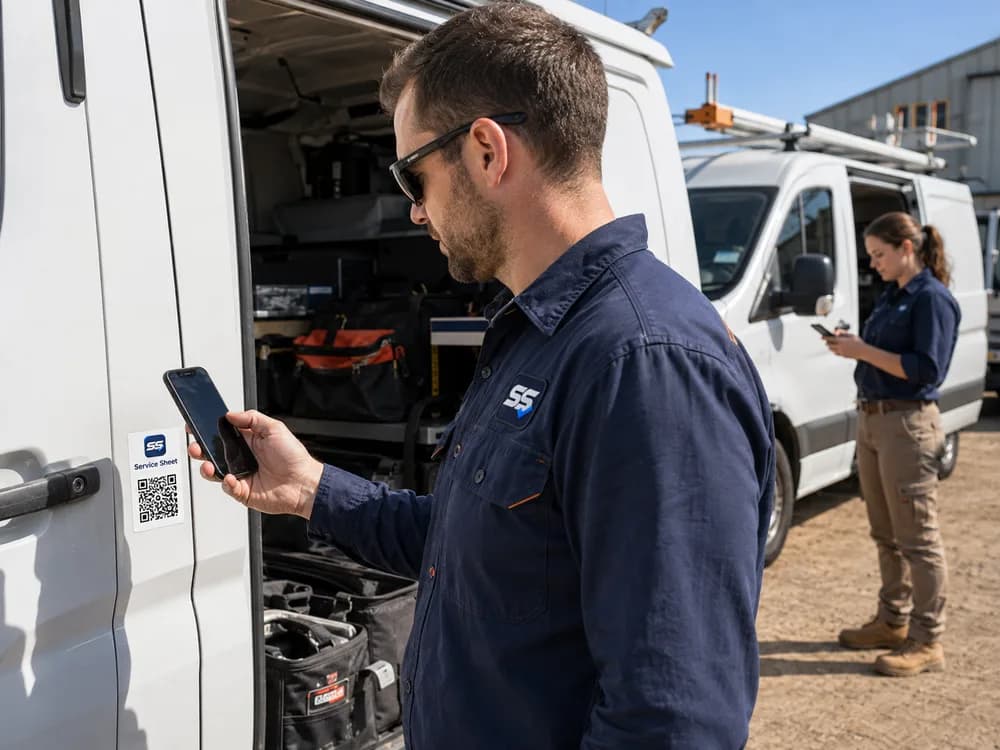
Put a permanent Service Sheet QR label on the asset. The person already there scans, enters the requested reading or reports a factual issue, and finishes—without an app, operator account or access to the organisation’s private maintenance records.
A practical evaluation
The QR encodes a permanent public entry point. If the camera cannot scan it, the label’s short fallback code can be entered on the operator page.
The public workflow asks for the meter display or an observable issue. It does not ask the operator to diagnose a fault or decide maintenance.
Public users cannot browse schedules, costs, other assets or organisation history. Rate limits, browser signals and review states help protect submissions.
How it works
Any modern phone browser opens the intended public page; no product installation or account setup is required.
The person selects either a reading update or factual issue report, with fields limited to what the asset supports.
Service Sheet records the submission source and protects suspicious or implausible readings from silently becoming authoritative.
Authorised organisation users see the update in the asset context and remain responsible for every operational response.
Before you choose
The code is an entry point, not a public asset database. It is designed to reduce the friction between the person who can see the current meter or issue and the manager maintaining the record. The organisation still controls asset configuration, maintenance schedules, service history and issue resolution.
Service Sheet does not use the QR label for continuous location tracking. An organisation may use Locations such as depots or sites to organise records, but a scan does not claim to prove where an asset is or who is holding the phone.
A label must be installed and tested using materials appropriate for the organisation’s environment. The QR workflow supports information collection; it does not replace pre-start checks, workshop inspections, emergency procedures or safety controls.
Where it fits
Start proportionately
Try up to 10 assets free for 90 days. No credit card required. First asset free forever.
After your 90-day trial, your first asset remains free forever. Additional active assets are A$4.99 each per month + GST. You will not be charged automatically.